Layout fidelity
PanelSpec vs simulator
Compare the designer wireframe with the built app in Xcode, Android Studio, or other simulators — side by side.
See PanelSpec in action
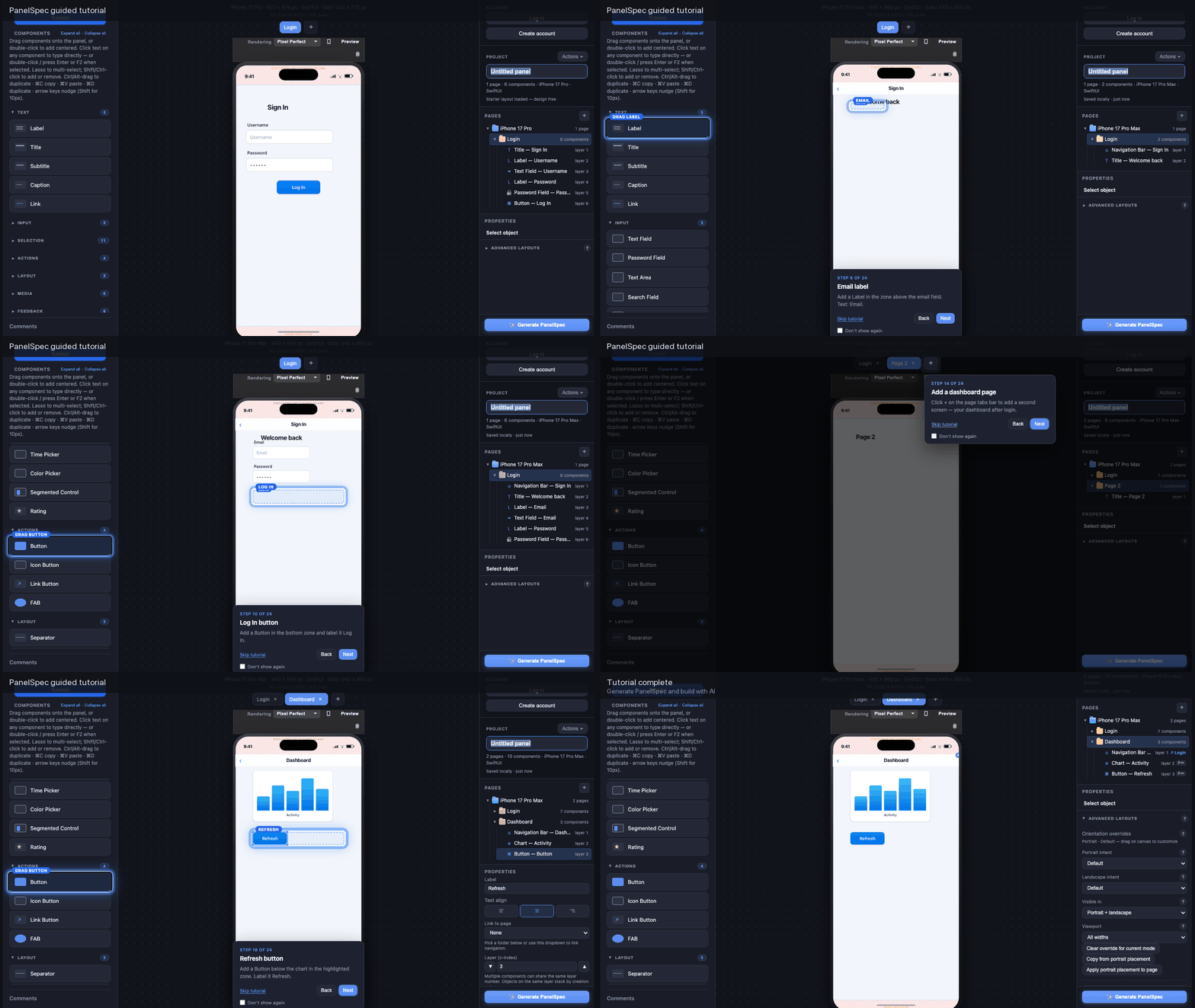
Watch the workflow demos — responsive web on laptop with multi-device preview, phone scroll, guided tour, and PanelSpec export.
Published examples
PanelSpec vs layout tools
How PanelSpec compares to common design tools for AI layout specification — not general UI design. Capabilities and pricing change; verify on each product's site.
| Capability | Figma | Penpot | Framer | Visily | PanelSpec |
|---|---|---|---|---|---|
| Learn in under a minute | ❌ | ❌ | ❌ | ⚠️ | Potentially |
| No account required | ❌ | ❌ | ❌ | ❌ | ✅ |
| Free to design | ✅ | ✅ | ⚠️ | ⚠️ | ✅ |
| AI-first layout specification | ❌ | ❌ | ❌ | ⚠️ | ✅ |
| Deterministic PanelSpec export | ❌ | ❌ | ❌ | ❌ | ✅ |
| Live multi-device preview | ⚠️ | ⚠️ | ✅ | ⚠️ | ✅ |
| Responsive / adaptive layout authoring | ⚠️ | ⚠️ | ✅ | ⚠️ | ✅ |
| Built specifically for AI code generation | ❌ | ❌ | ⚠️ | ⚠️ | ✅ |
✅ Yes · ❌ No · ⚠️ Partial or plan-dependent · Potentially = depends on user experience
Capabilities vary by product. This comparison describes PanelSpec's scope and typical handoff from visual layout tools — not every feature of every competitor.