◆ Panel Spec Designer
Design layouts visually.
Export implementation intent.
Drag a panel. Generate a layout contract. Your AI implements the app — PanelSpec removes the layout guesswork.
Free forever to design & export · specifies layout, not business logic
- Cursor
- Claude
- ChatGPT
- Gemini
- SwiftUI
- Compose
- HTML
- WinUI
Proof
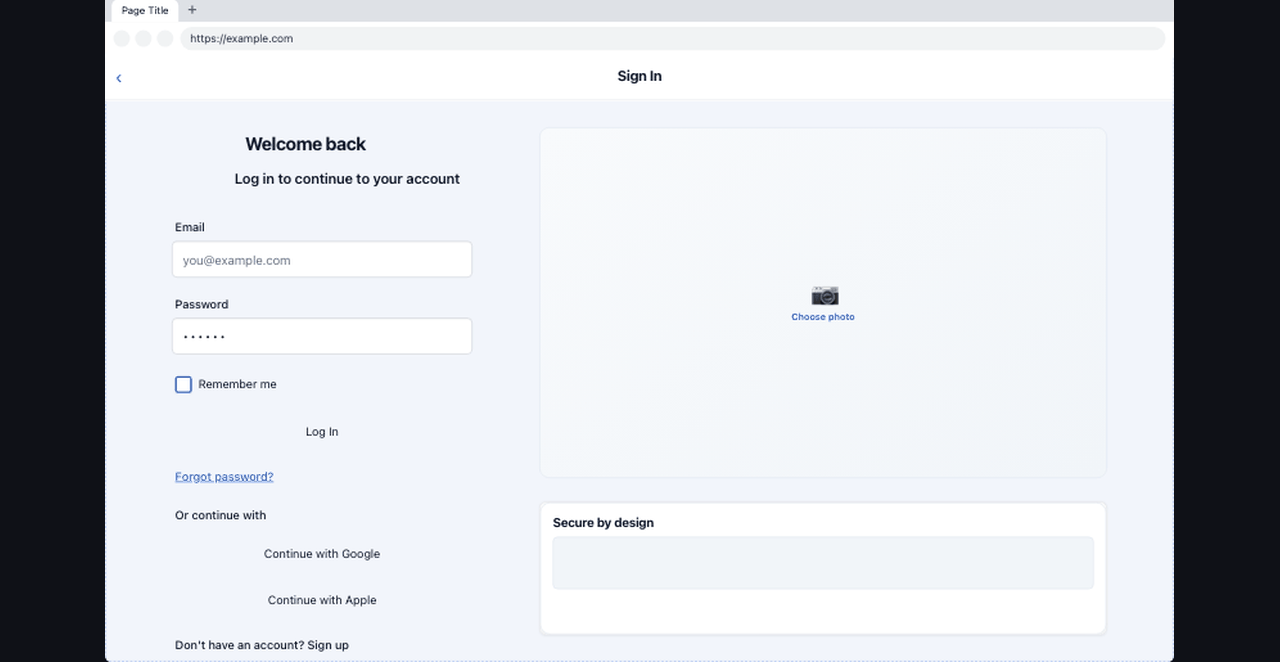
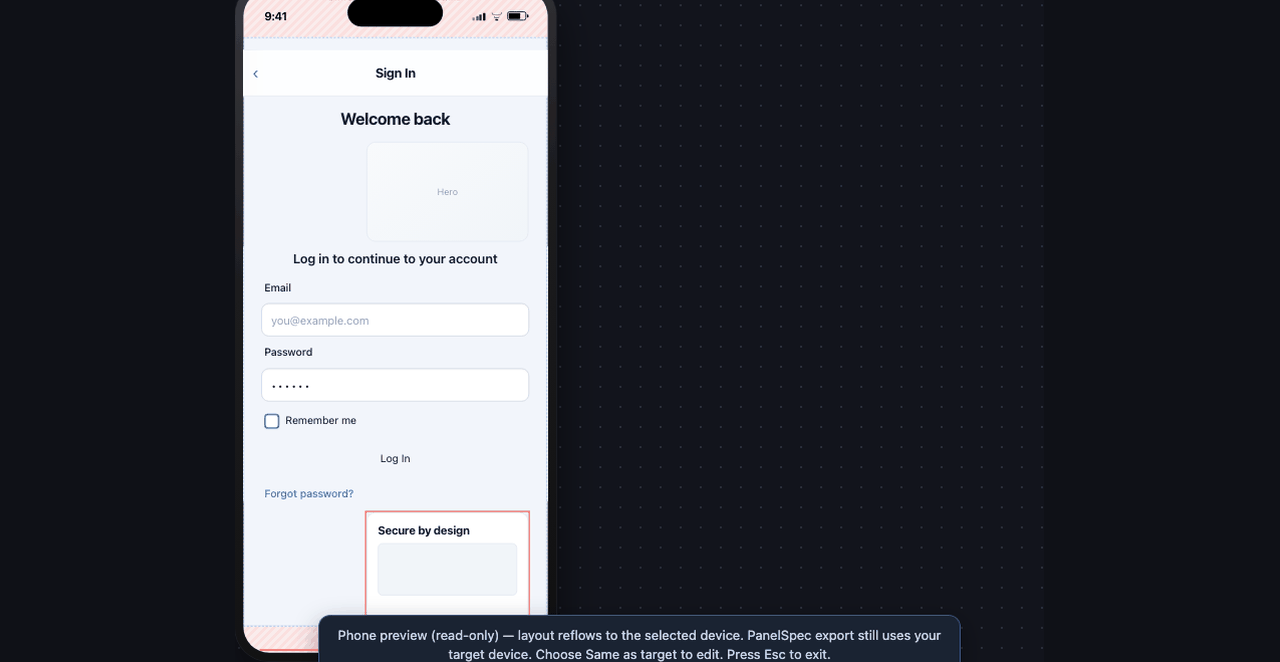
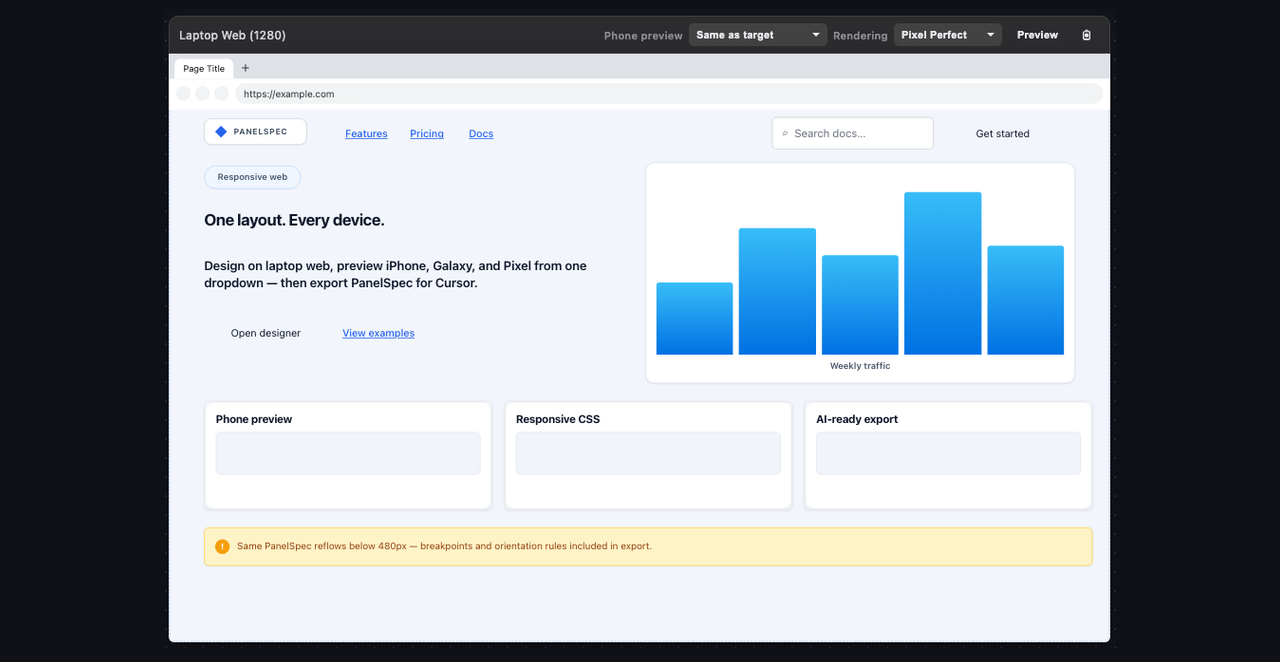
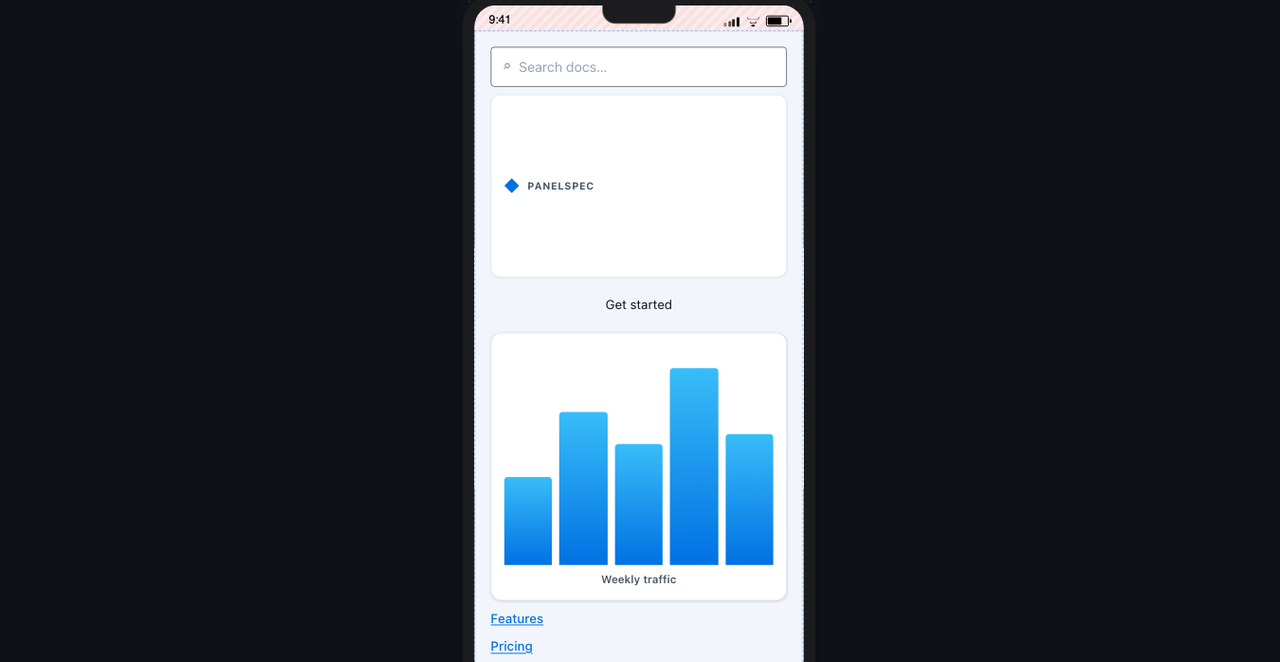
Same PanelSpec. Real device previews.
What you place in the designer is what the export specifies — then phone preview proves the same PanelSpec reflows.
The path
Three steps. No layout guesswork.
- Design Place components on a real device canvas.
- Generate Copy a layout contract — positions, hierarchy, responsive rules.
- Paste Drop it into Cursor, Claude, or ChatGPT to implement the app.
PanelSpec specifies layout. Your AI still writes auth, data, and business logic.
Choose a starter — freePricing
Free to design. Pay only for cloud.
No trial clock on the designer. Subscribe when you want projects saved across devices.
Free
$0
forever
- Visual layout designer
- AI prompt & JSON export
- All devices & templates
- No account required
Optional
Cloud
$4.99/mo
cancel anytime
- Everything in Free
- Cloud project save
- Version history
- Open on any device
See how it works & why it exists
The goal
PanelSpec is a fast, easy-to-learn layout specification tool that solves one of AI's biggest weaknesses: producing consistent UI layouts.
PanelSpec specifies
- Object positions, sizes, and bounds
- Containers and hierarchy
- Spacing and alignment
- Safe areas and device frames
- Layout rules in PanelSpec JSON and specifications
- Orientation, breakpoints, and mobile variants
Your AI & code implement
- Business logic and workflows
- Authentication and sessions
- Database and API access
- Networking
- Calculations and application behavior
How it works
Design on a device canvas. Generate a PanelSpec. Paste into your AI — it implements the app, not the layout guesswork.
Why PanelSpec?
PanelSpec is not a traditional UI design tool. It is an AI UI Layout Specification Tool that removes layout guesswork from AI code generation — with deterministic coordinates and explicit adaptive rules when your app spans phone, desktop, or orientation changes.
| Capability | Traditional UI Design Tools | PanelSpec |
|---|---|---|
| Primary purpose | Visual interface design | AI UI layout specification |
| Designed for AI implementation | General-purpose output | ✅ Purpose-built |
| Deterministic layout specification | Typically not | ✅ Yes |
| AI-ready specification export | Typically not | ✅ One click |
| Responsive / orientation variants | Varies by tool | ✅ Built into the specification |
| Multi-device validation before code | Limited or separate workflows | ✅ Built in |
| Object coordinates | Usually derived from design data | ✅ Explicit in the specification |
| Optimized for AI workflows | General-purpose | ✅ Built for AI implementation |
Traditional design tools create a visual design — or multiple screens — that an AI must interpret.
PanelSpec generates a versioned layout contract: exact bounds where needed, plus layout policy, variants, visibility, and navigation — so your AI implements structure correctly and focuses on application logic.
Ready when you are.
Open the designer, tweak a login screen, generate a prompt, paste into your AI.
Start designing — free